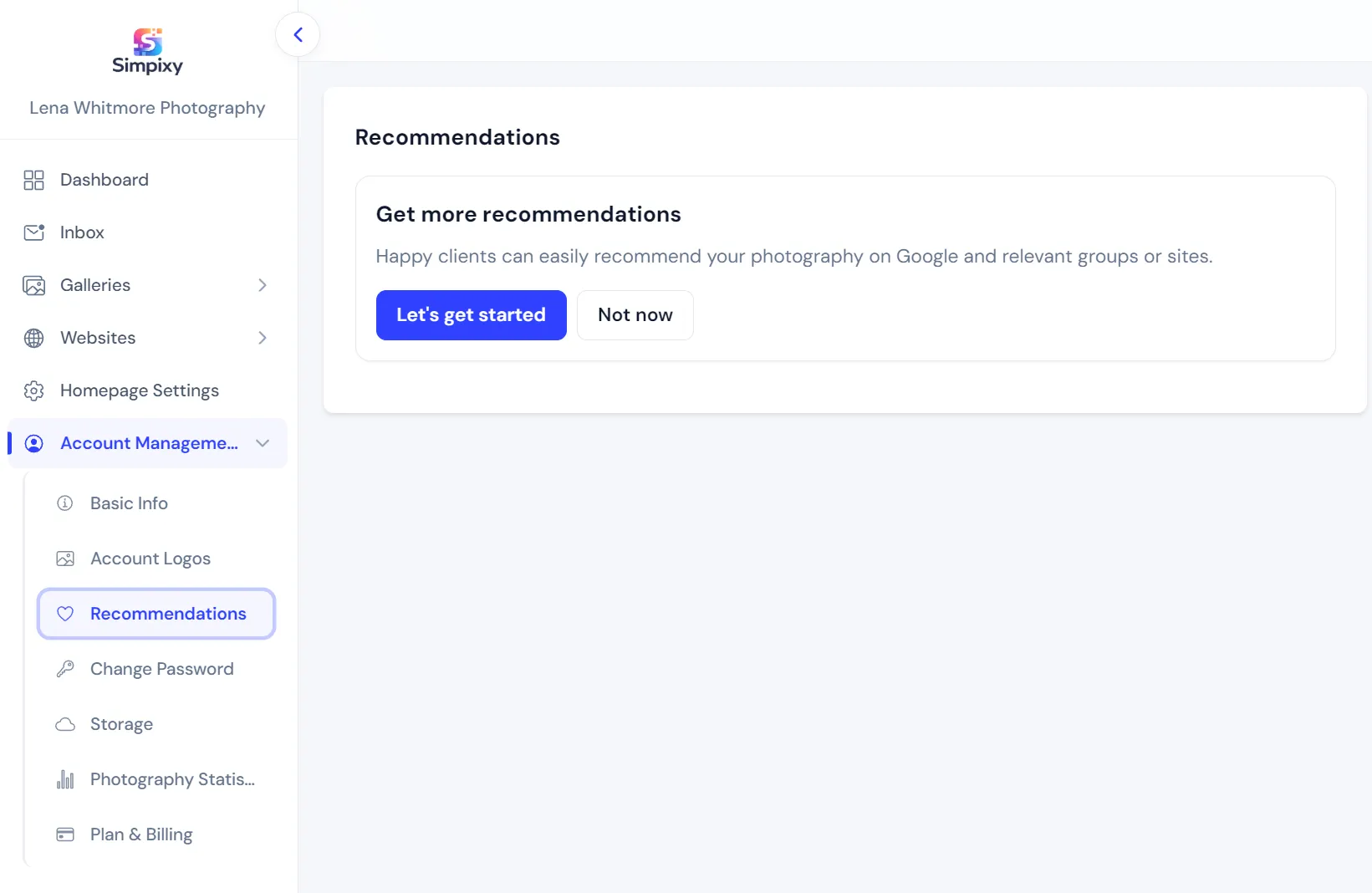
Set up once in your account
Open Recommendations in account settings and add the places clients can recommend you.

When clients love their gallery, make it easy for them to recommend you on Google, Facebook groups, or any other link you choose. Set it up once, then decide which galleries and share links show the prompts.
Available on Pro and Premium.
Add your recommendation links in account settings, enable them on a gallery, and clients get a friendly prompt in the right moments.
Open Recommendations in account settings and add the places clients can recommend you.
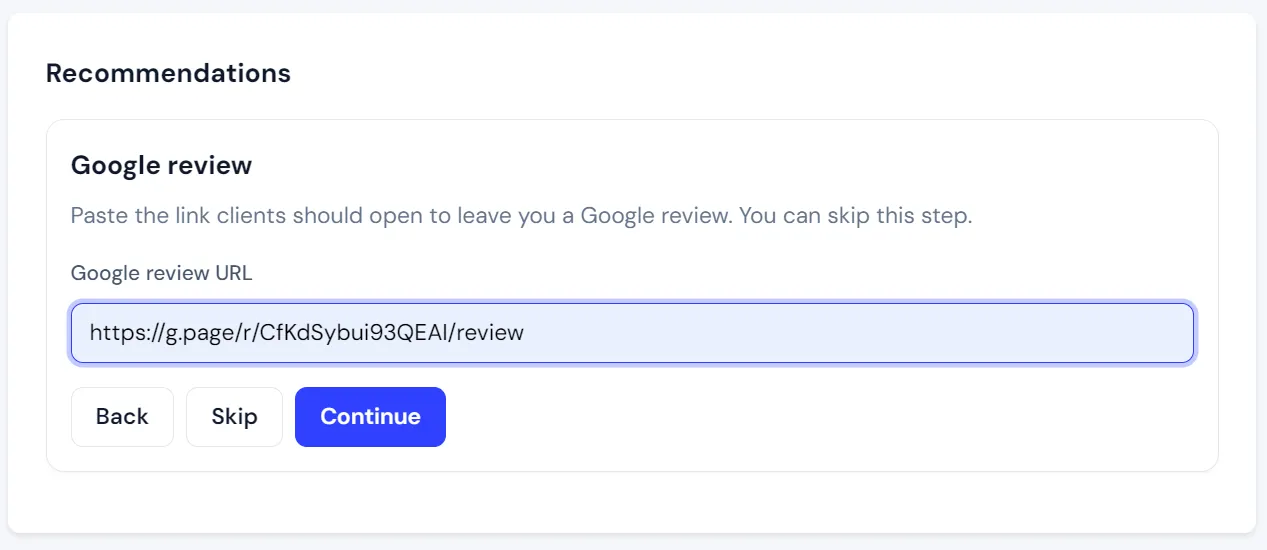
Paste the URL clients should open to leave you a Google review.
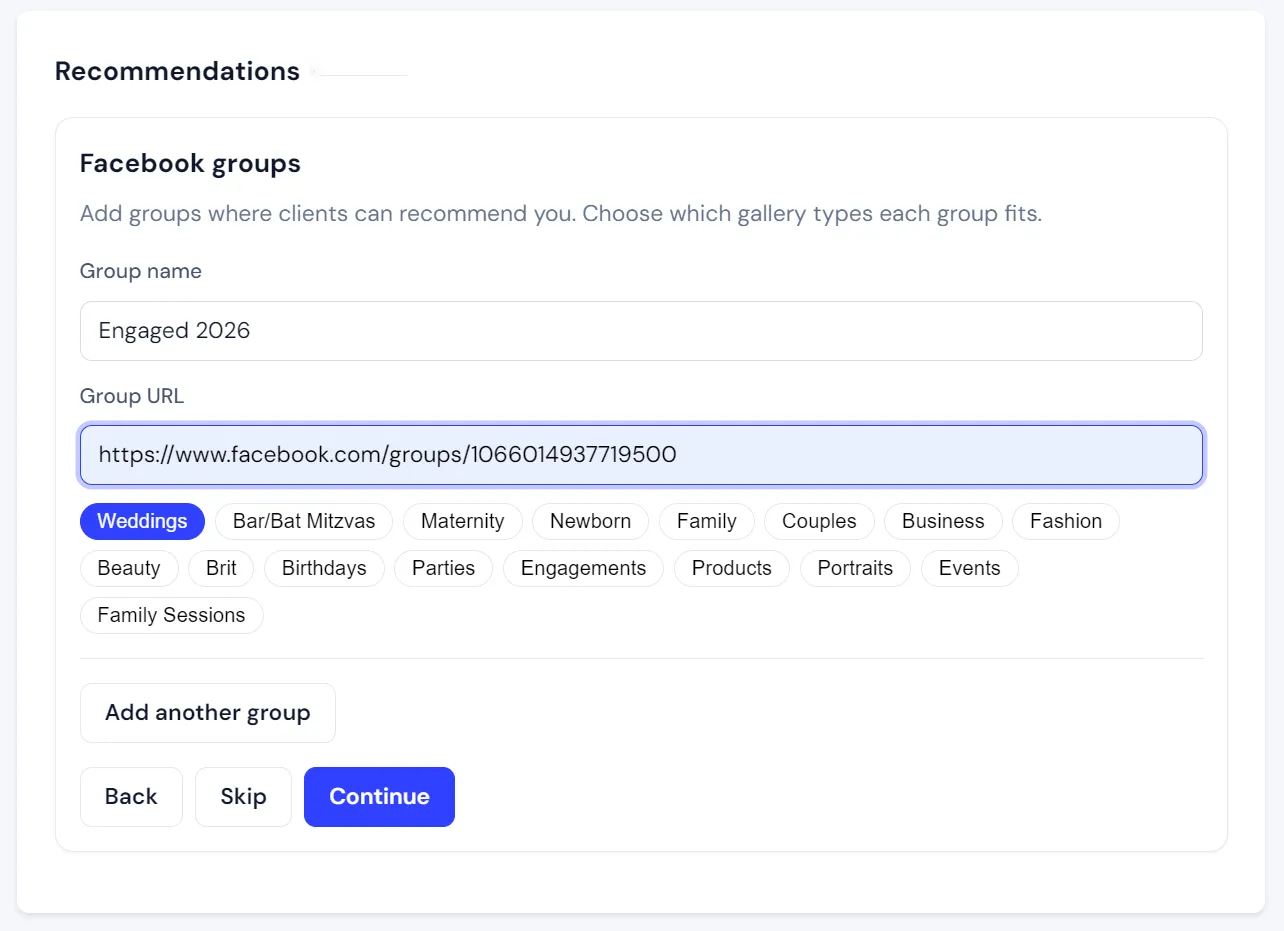
Match groups and directories to gallery types so the right links show for each shoot.
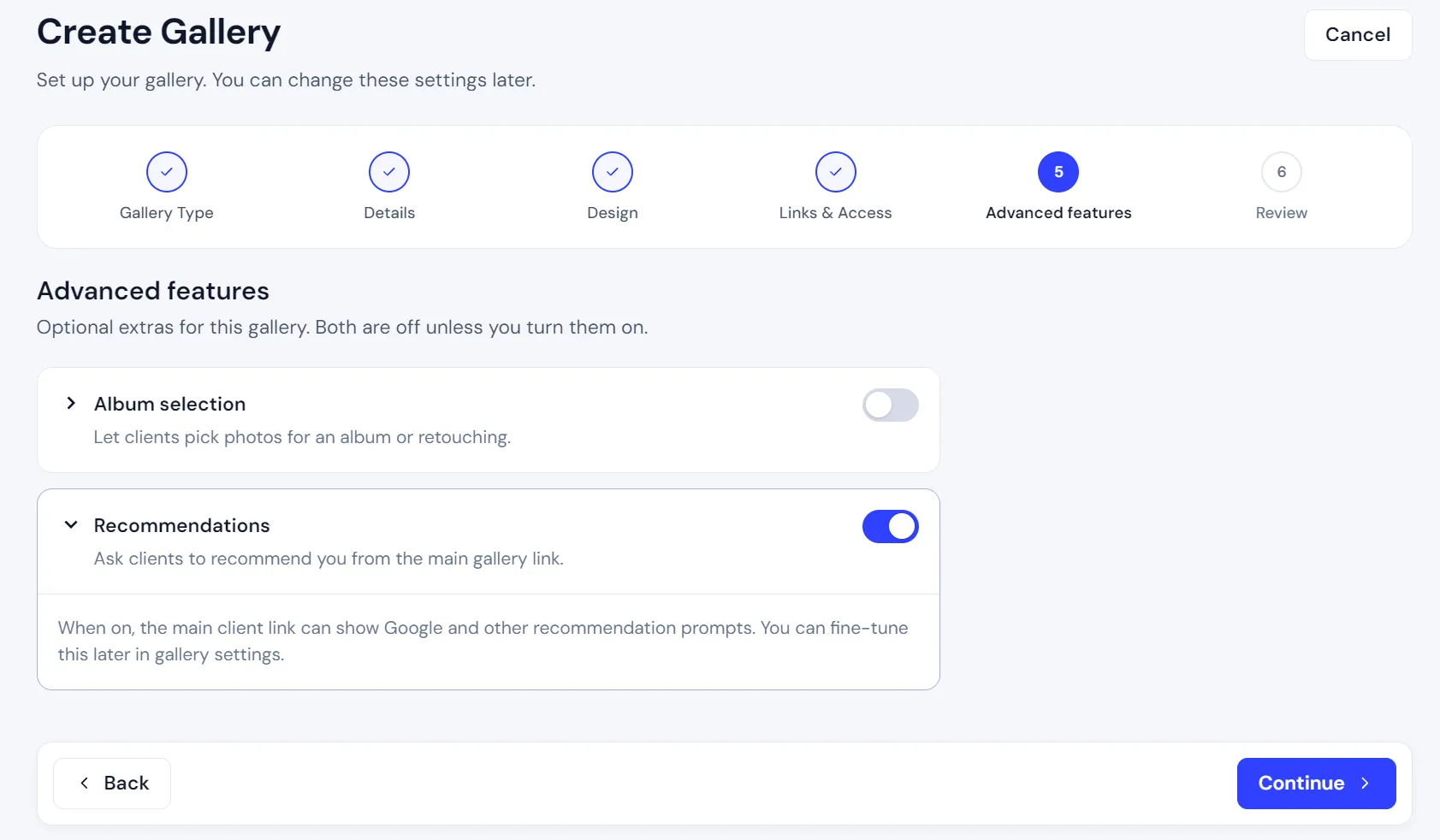
Turn recommendations on in Advanced features when you create a gallery, or later in gallery settings.
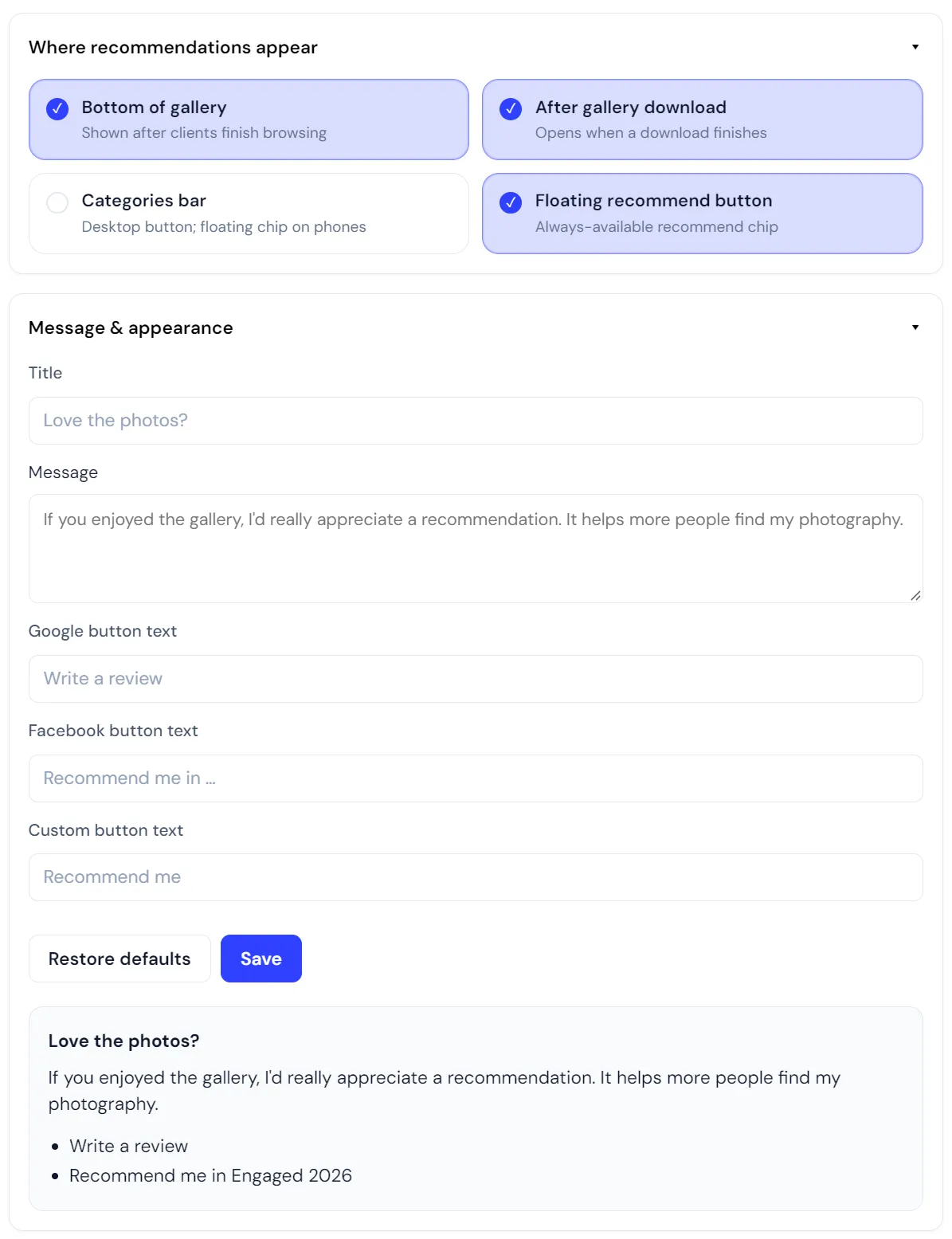
Choose which share links show prompts, and fine-tune destinations or placements for that gallery.
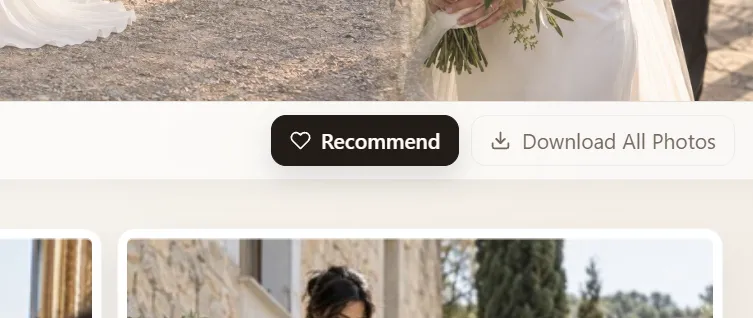
Clients see a simple recommend option while browsing, without leaving the gallery.
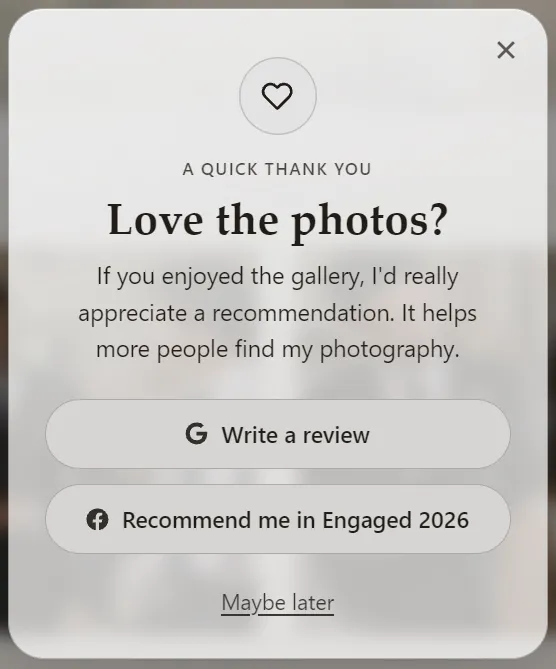
The popup invites a recommendation with soft buttons for Google and your other links.
By default, recommendations can appear at the bottom of the gallery, in the categories bar on desktop, and after a gallery download. You can also enable a floating recommend chip. Keep the experience light, and ask at moments when clients are already happy with the photos.
Recommendations is available on Pro and Premium. Free and Basic can keep any recommendations already set up during evaluation, but new galleries cannot enable the feature until you upgrade. See full pricing comparison.
Recommendations let happy clients recommend your photography from inside their private gallery. You set up Google review links, Facebook groups, or custom links once, then choose where prompts appear.
Recommendations is available on Pro and Premium. It is not included on Free or Basic. New accounts get 30 days of Premium features during evaluation.
By default they can appear at the bottom of the gallery, in the categories bar on desktop, and after a gallery download. You can also enable a floating recommend button.
Yes. Account settings hold your defaults. In gallery settings you can turn recommendations on or off, choose which share links show them, and customize destinations or placements for that gallery.
Create elegant client galleries and manage your photography presence from one simple platform.