1
Upload your photos
Create a gallery for the client and upload the final images you want to deliver. Everything stays organized in one place before you share.

Simpixy is an online client gallery built for professional photo delivery. Upload a private gallery, send clients one link, and let them view and download their photos on phones or computers—without folders, zip files, or generic file-transfer links.
A client gallery is a private online photo gallery photographers use to deliver photos professionally. Instead of emailing attachments or sharing a cloud folder, you give each client a dedicated link where they can browse their images in a layout designed for photography.
Clients open the gallery on any device, view their photos, download images when you allow it, and use enabled features such as favorites. That is a cleaner experience than sending a folder path or file-transfer link, where clients often struggle to find files, preview images comfortably, or know exactly what they are allowed to download.
No bloated workflow or folder hunting—just a straightforward client gallery workflow from upload to delivery.
Create a gallery for the client and upload the final images you want to deliver. Everything stays organized in one place before you share.
Send a private gallery link by email or message. You can add a password when needed, so only the intended client opens the collection.
Clients open the link on a phone or computer, browse their photos, and download images directly from the gallery when downloads are enabled.
Each client receives their own gallery link rather than a shared folder everyone can browse. That keeps delivery focused on one shoot and one audience at a time.
You can protect a gallery with a password when appropriate, and clients never need to dig through nested folders or guess which files belong to them. The gallery presents your work in a polished layout on desktop and mobile, so delivery feels professional from the first click.
When you enable downloads, clients save photos directly from the gallery—one image at a time or in bulk, depending on how you configure the gallery. On supported devices they can choose original-size files or an optimized size suited for mobile.
You control whether downloads are available at all, which keeps the experience aligned with your delivery terms. Clients do not need special software; they use the same gallery link in their browser to view and download.
When you enable favorites on a gallery, clients can mark photos directly inside the collection—useful for album picks, print orders, or narrowing down a large set. You see those selections in your dashboard instead of chasing lists through messages.
For a fuller workflow around client selections, see photo proofing for photographers.
Simpixy works for many types of photography businesses that need a clean and professional way to deliver photos to clients.
Deliver wedding galleries and let couples select photos for their album.
Share private galleries that families can easily browse and download.
Present portraits in a clean and elegant gallery experience.
Deliver large event galleries with fast viewing and downloads.
Share professional image collections with clients and teams.
Your photos deserve better than a generic file dump. Simpixy presents them in a clean, modern, mobile-friendly gallery experience.
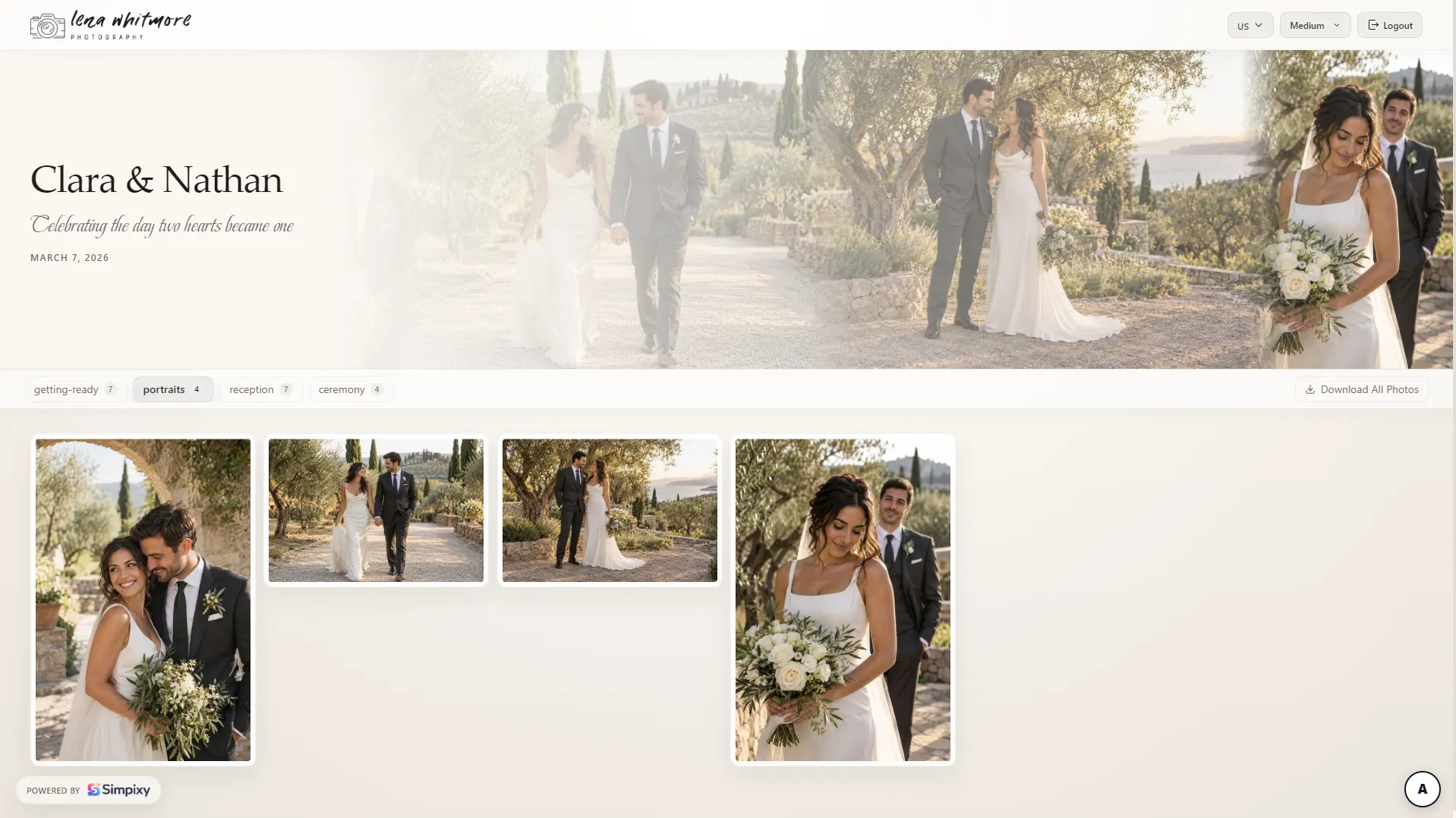

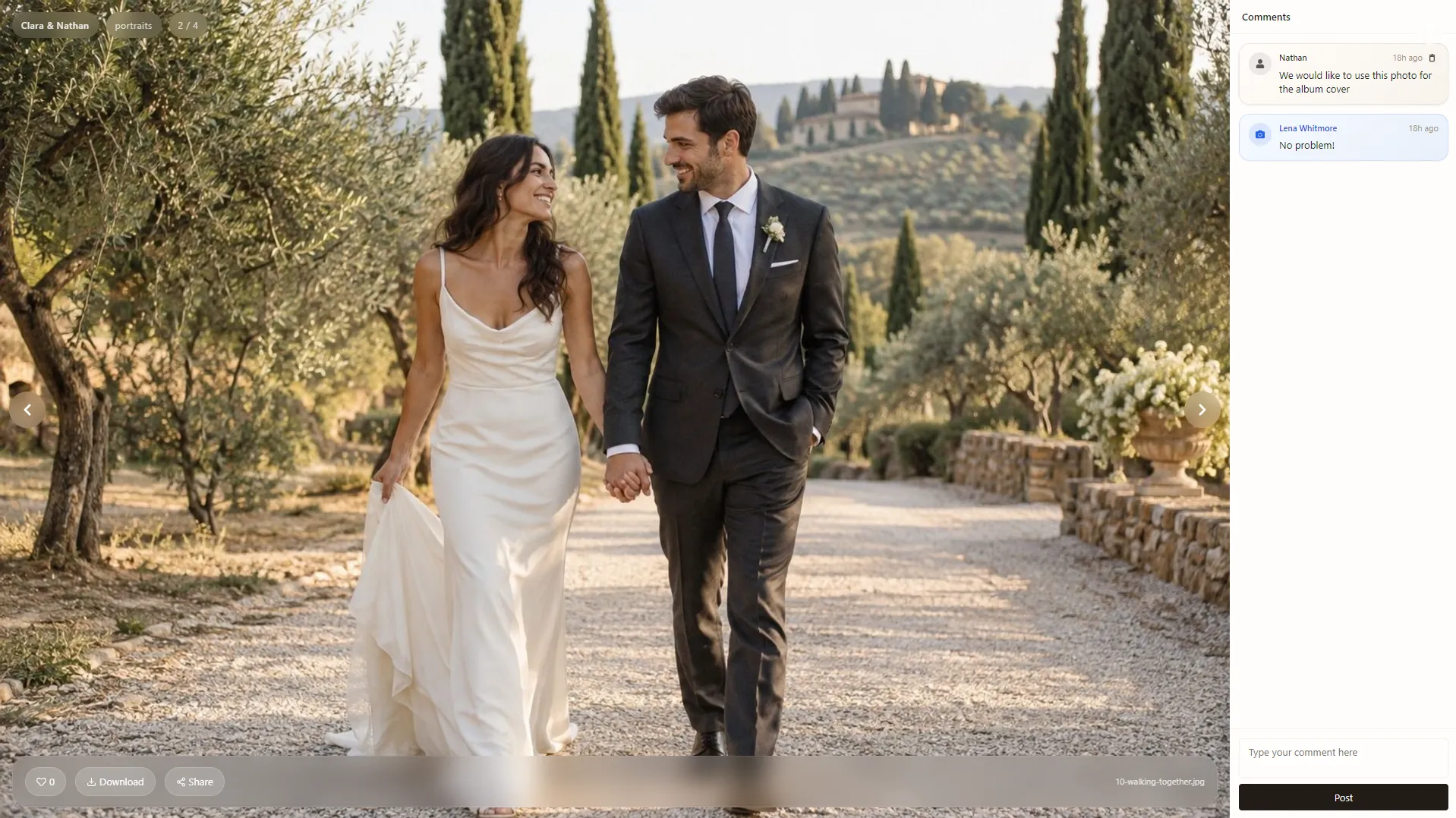
Give every gallery a polished look with ready-made themes - from clean white and dark mode to soft newborn styles perfect for baby boy and baby girl sessions.
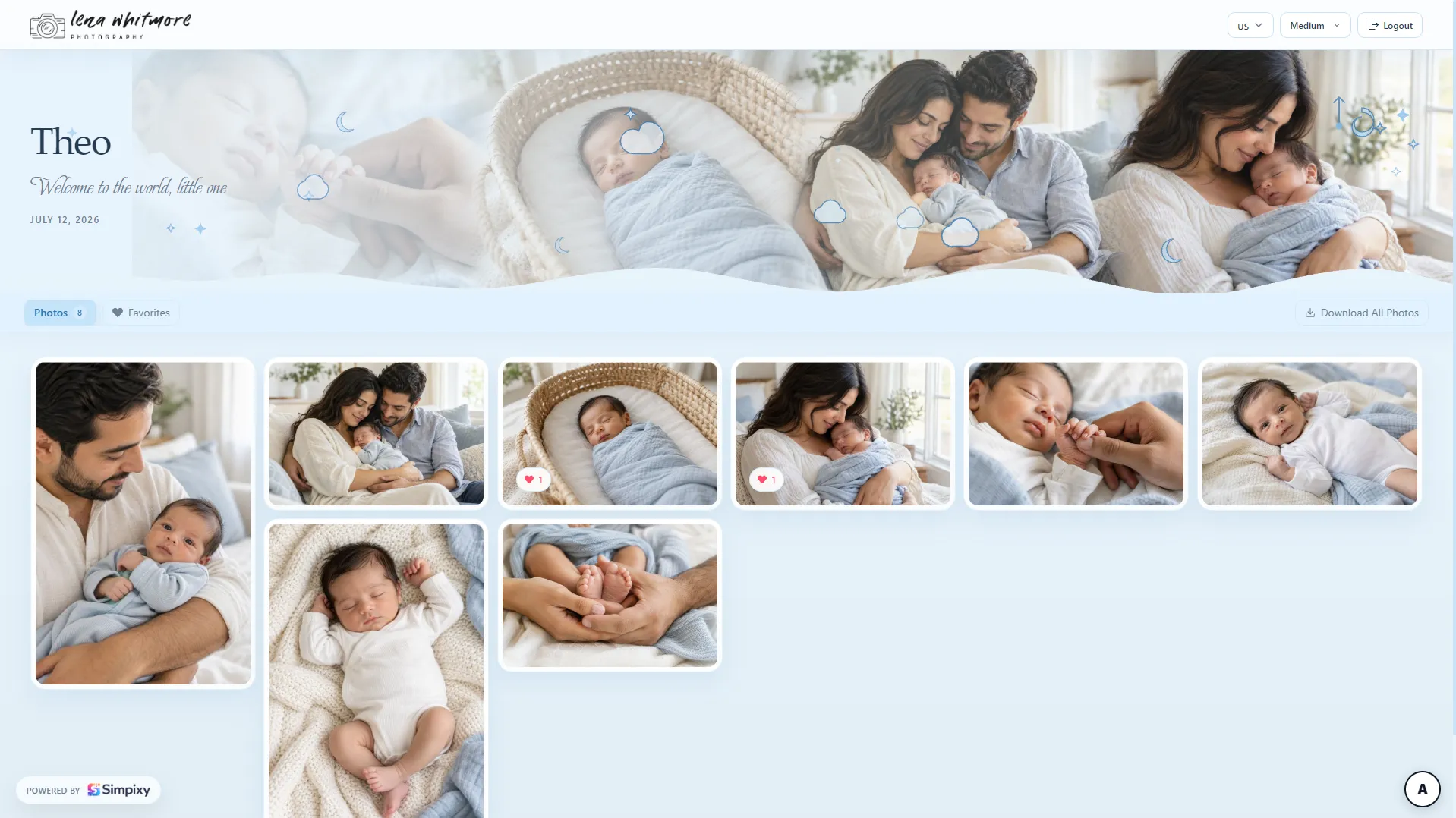

Pick a theme in gallery settings and your clients see it instantly - no design work needed.
Perfect for weddings: share selected photos with family and friends while keeping private moments just for the couple.
Practical reading for photographers who want cleaner delivery and a more professional gallery experience. Start with our guide on how to deliver photos to clients.
A complete guide to professional photo delivery with private galleries, downloads, and a clear workflow.
how to deliver photos to clientsCover images, structure, mobile presentation, and small details that raise perceived quality.
Read moreA client gallery is a private online photo gallery photographers use to deliver images professionally. Clients open a link, browse their photos, and use enabled features such as downloads or favorites instead of receiving folders or file-transfer links.
You upload photos to a gallery, share one private link with the client, and they view the collection in their browser. From there they can download images and, when enabled, mark favorites directly inside the gallery.
Yes, when you enable downloads on the gallery. Clients can download individual photos or use bulk download options from the gallery on desktop or mobile.
Yes. When favorites are enabled, clients can mark photos inside the gallery. You review those selections in your dashboard instead of collecting lists through email or messaging apps.
Yes. Each gallery is accessed through a private link, and you can add a password when you want extra protection. Clients do not browse a public directory of your work.
Yes. Simpixy client galleries are mobile-friendly, so clients can browse, download, and mark favorites from phones and tablets as well as desktop computers.
Create elegant client galleries and manage your photography presence from one simple platform.