Structured Photo Selection with Max Limits
Set an optional maximum and a clear submit step. Clients pick photos for an album or retouching, and you receive the exact list instead of a spreadsheet.

Online photo proofing helps photographers collect client selections without spreadsheets or WhatsApp screenshots. Clients open a private online client gallery, review their photos, mark favorites, and when you enable photo selection, submit a finished list for an album or retouching.
Stop chasing client selections across email, WhatsApp, and spreadsheets. Simpixy gives photographers a dedicated photo proofing workflow. Clients view their gallery, mark favorites, and submit exact photo selections for album printing or retouching with optional PIN protection and strict selection limits.
Set an optional maximum and a clear submit step. Clients pick photos for an album or retouching, and you receive the exact list instead of a spreadsheet.
Enable photo proofing on a gallery, send the private link, and let the client select and submit. The finished picks land in your dashboard.
Add an optional PIN so only the right people can enter selection mode, separate from the gallery password.
Client photo proofing is the step where clients review delivered photos and choose what they want next: album pages, prints, or retouching. The goal is a clear selection list tied to the real images, not filenames pasted into email.
In Simpixy, proofing lives inside the same private gallery you use for delivery. Favorites are for marking preferred images. Structured photo selection adds a purpose (album or retouching), an optional max count, PIN protection, and a submit step so you know when the client is done.
Set a purpose and PIN when you create the gallery, then let clients select photos for the album inside the same private link. You get notified when they finish.
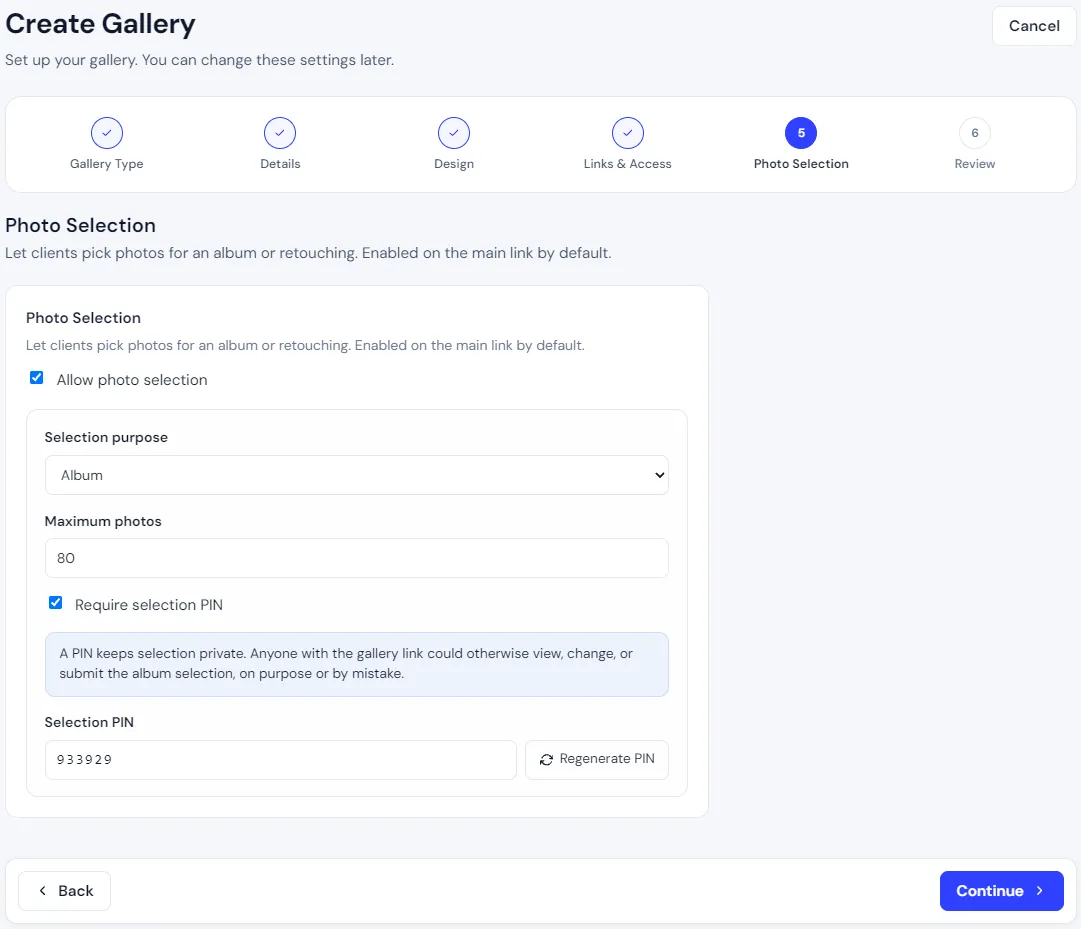
Choose album or retouching, set a max count, and protect selections with a PIN.
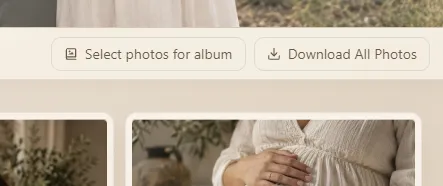
Clients start selecting from a simple button next to download, without leaving the gallery.
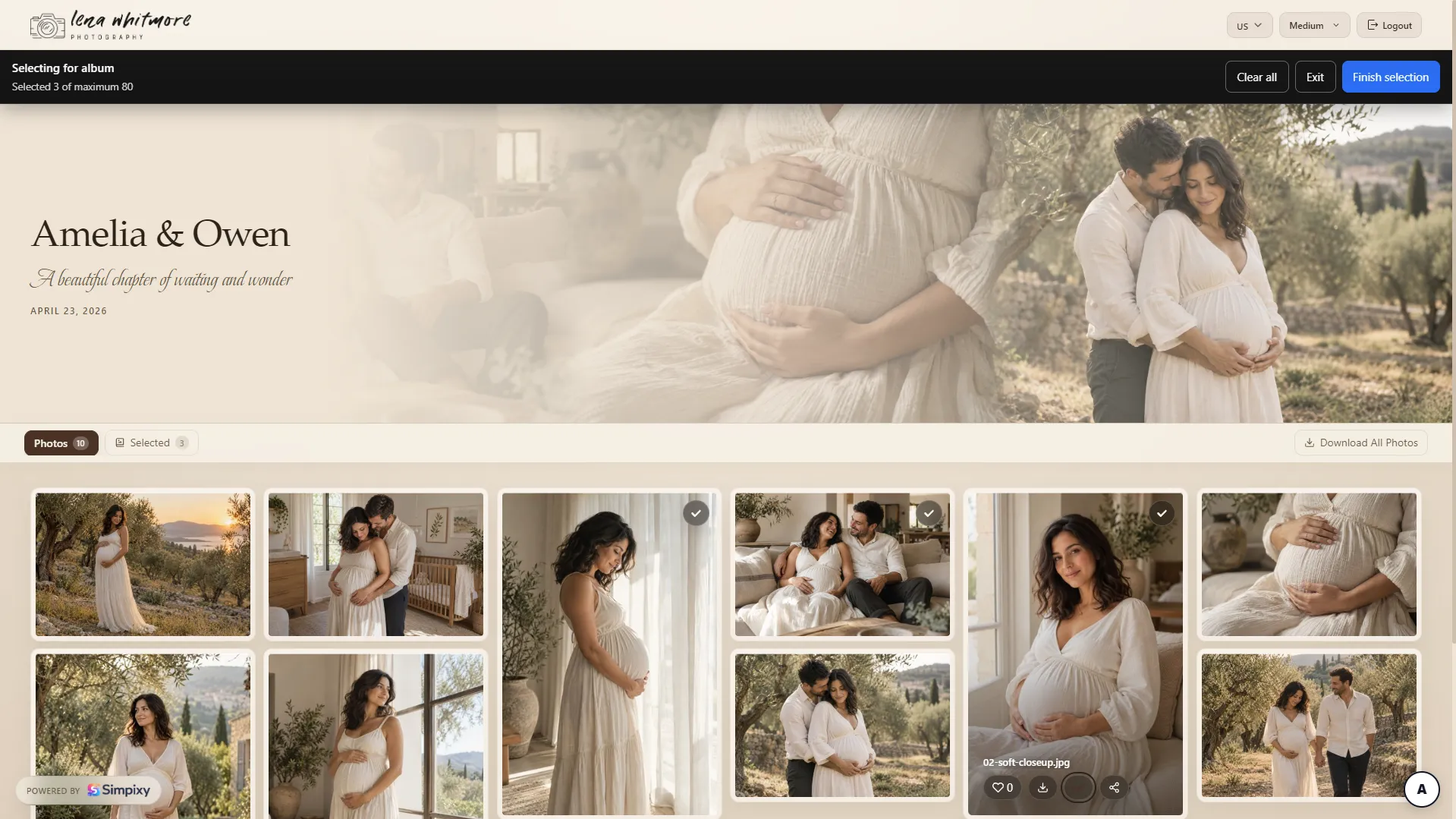
A sticky selection bar shows the count and finish action while clients browse every folder.
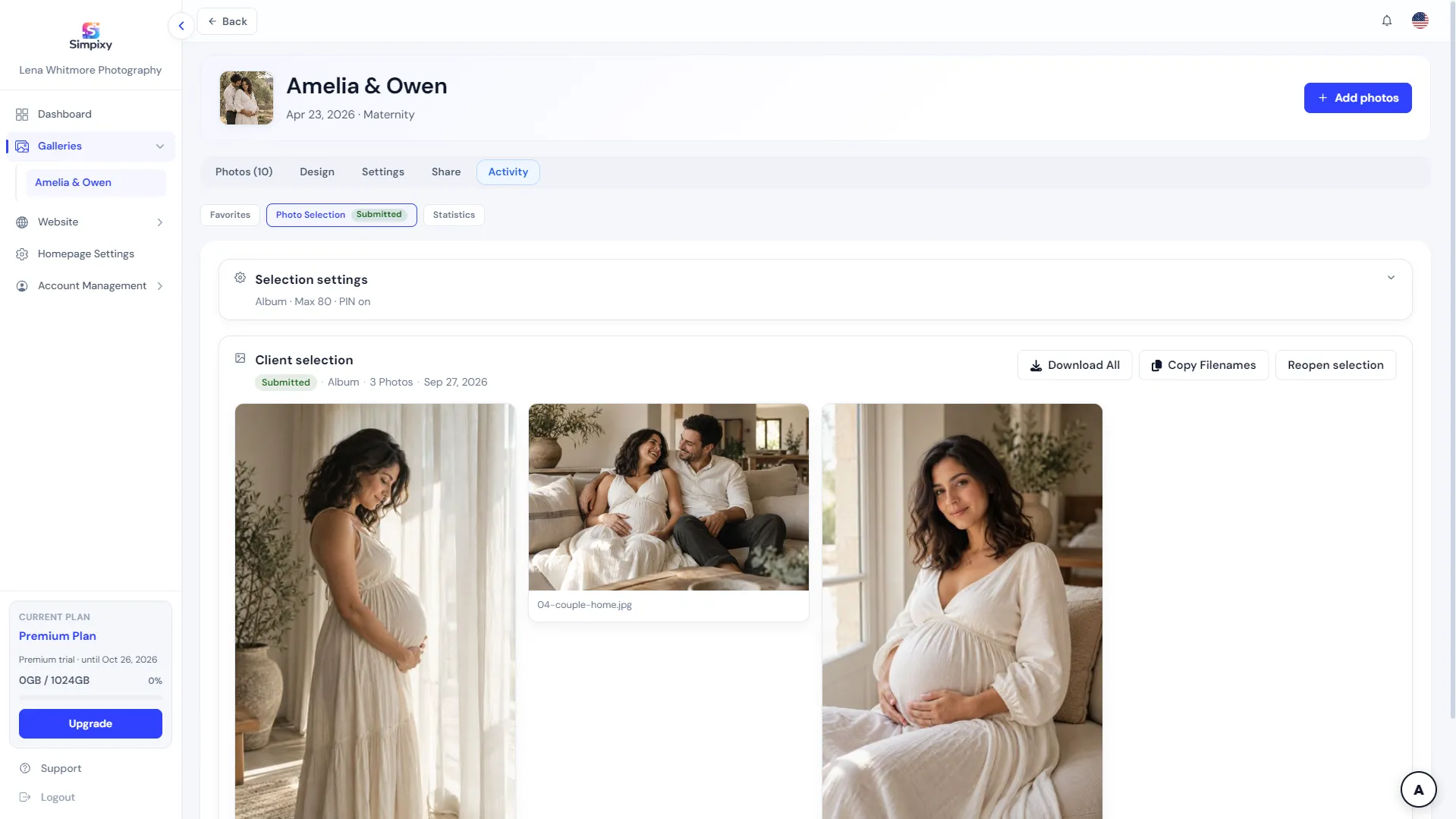
See submitted selections in Activity, download them, or reopen if the client needs another pass.
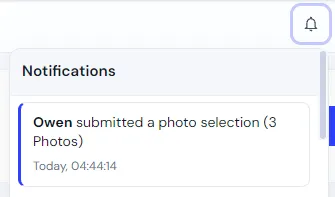
Get a notification the moment a client submits their album selection.
Keep delivery and selection in one private gallery, from upload to submitted picks.
Create a client gallery and upload the images you want the client to review.
Enable favorites for flexible marking, and/or photo selection for album or retouching with a max count and PIN when you need a formal submit.
Send one link with optional gallery password protection. Clients open it in their browser on any device, without creating an account.
Clients browse, heart favorites, or enter selection mode, pick photos up to the limit, and submit when finished.
See favorites and submitted selections in Activity, download the picks, or reopen selection if the client needs another pass. You also get a notification when a selection is submitted.
Many photographers still ask clients to send selections through WhatsApp screenshots, email filenames, or shared spreadsheets. It works at small scale, but it creates friction fast: cropped screenshots hide filenames, message threads get lost, and you spend time matching each pick back to the original file.
When clients mark favorites directly inside the gallery, every selection points to the exact photo. You see the picks in your dashboard instead of manually reconciling lists from different apps. That is especially helpful when couples, family members, or assistants all need to review the same gallery.
After a wedding, couples usually need to choose photos for more than one purpose: album spreads, print orders, and the images they want to download or share. A proofing gallery gives them one place to review the full collection and mark favorites at their own pace.
They can browse by section, heart the photos they want included, and come back later if they need more time. You review their selections in your dashboard and move straight into album design or print fulfillment without endless back-and-forth messages.
You do not need a separate tool for delivery and another for proofing. The same client gallery for photographers can handle both: clients view and download their photos, and mark favorites when you enable selections on that gallery.
That keeps the client experience simple: one link, one polished gallery, and it saves you from uploading the same shoot twice. If you are setting up delivery for the first time, see our guide on how to deliver photos to clients for a practical workflow from upload to handoff.
A photo proofing gallery is a private online gallery built for client review and selection. Clients browse their photos, mark favorites, and optionally download images, all through a single link you control.
For photographers, it replaces informal selection methods with a clear proofing gallery workflow: upload once, share once, and review structured selections in your dashboard instead of scattered messages.
Photo proofing is the step where clients review delivered photos and choose their favorites, often for albums, prints, or final downloads. Instead of sending lists by email, selections happen inside an online gallery tied to the actual images.
A proofing gallery is a private online client gallery where people browse photos and mark favorites. The photographer sees those selections in one place instead of collecting screenshots or filenames from messages.
You upload photos to a private gallery, enable favorites and/or photo selection, and share one link. Clients review the gallery, mark favorites or submit a selection list, and you review the results in your dashboard.
For favorites, clients open the gallery and tap or click the heart on each photo they want. For album or retouching selection, they enter selection mode (with a PIN when you set one), pick photos up to the max count, and submit when finished.
No. Clients access the gallery through a private link. They may enter a name when opening the gallery so you can see who made each selection, but they do not need to create an account.
Yes. Wedding couples can browse the full gallery, mark favorites, and submit album selections with a clear limit. You review their picks in Activity instead of chasing lists through email or messaging apps.
Yes. You can set a gallery password for access, and a separate PIN for photo selection so only the right people can enter selection mode.
No. Proofing and delivery share the same client gallery. Clients can view and download photos, and select favorites or submit album picks from one link.
Photo proofing is the process where clients view photos in a private online gallery and select their favorite images for album design, print orders, or retouching.
You enable photo proofing on a gallery, set an optional max photo count or PIN, and send the link to your client. The client selects their photos, clicks submit, and you receive the exact selection list directly in your dashboard.
Need complete client delivery alongside proofing? Explore our full online client gallery features for photo sharing and downloads.
Create elegant client galleries and manage your photography presence from one simple platform.