
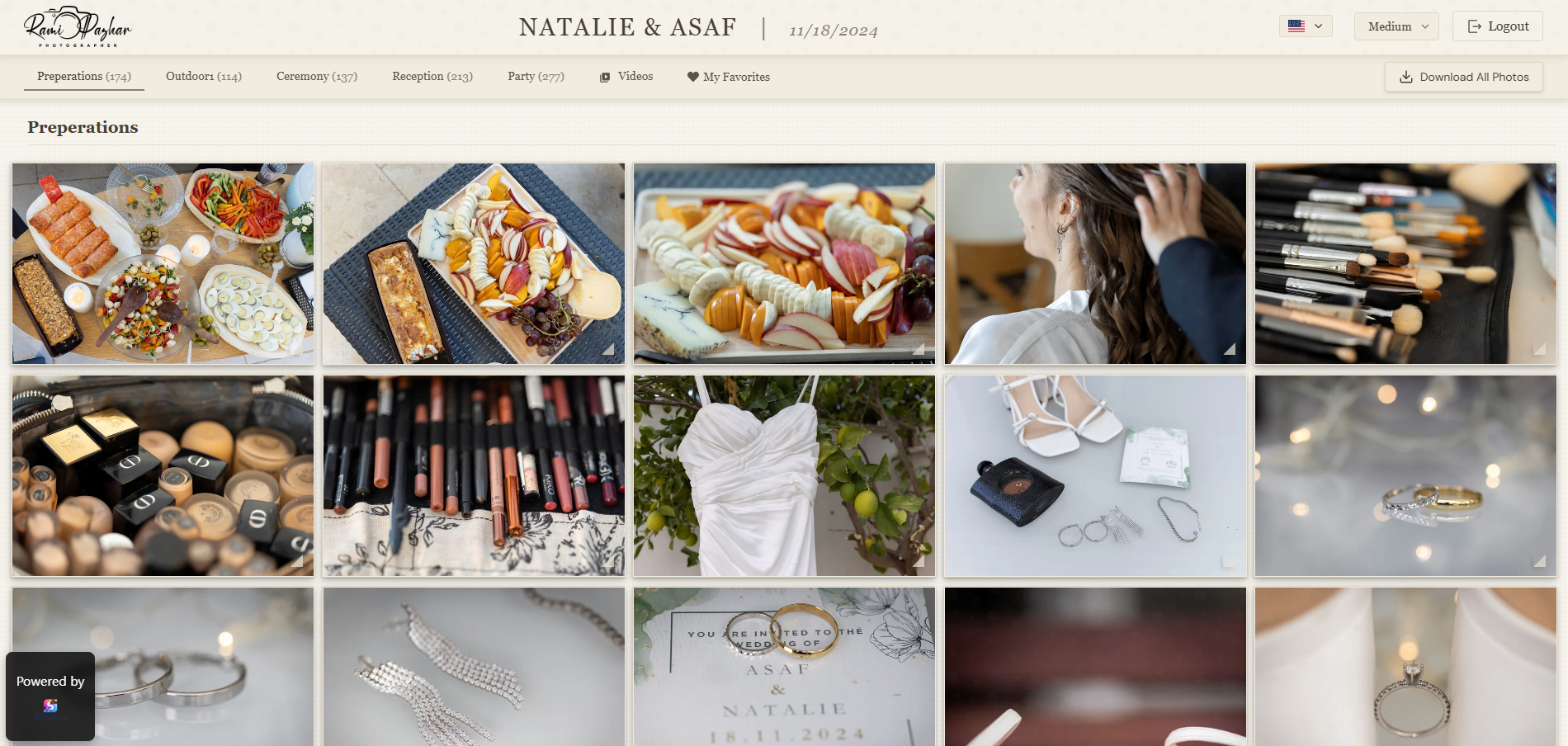
A better delivery experience makes your work feel more professional.
A complete guide for photographers who want to deliver photos to clients professionally with a cleaner workflow, better presentation, and easier downloads.
Why photo delivery matters more than many photographers think
The delivery stage is one of the last moments a client remembers. If the photos arrive through a confusing folder, a messy link, or a giant zip file with no structure, the final impression feels less polished than the shoot itself.
A clean client gallery makes the work feel intentional. It tells clients where to click, how to view the photos, and how to download them without confusion.
Common delivery mistakes photographers still make
Many photographers still use generic storage folders, scattered links, or manual explanations every time they send a gallery. These methods work, but they rarely feel professional to the client.
The biggest problems are unclear structure, weak mobile experience, and too much friction around downloads.
What a professional delivery workflow looks like
A professional workflow is simple: upload the photos, organize the gallery, share one private link, and let the client view and download from any device.
If you offer albums or prints, proofing inside the gallery also saves time and removes messy back and forth.
Client gallery vs file transfer
A file transfer solves the technical problem of moving files. A client gallery solves the experience problem.
If you want delivery to feel premium, organized, and easy to use, a gallery is usually the better choice.
A quick checklist before sending a gallery
Before sharing, make sure the cover image is strong, the title is clear, downloads are set the way you want, and the gallery looks good on mobile.
Small details make a big difference in how professional the whole service feels.
Frequently asked questions
How do photographers deliver photos to clients?
Many photographers use online client galleries so clients can view and download photos through a private link.
What is the best way to send photos to clients?
Usually a private online gallery with clear structure, simple downloads, and a good mobile experience.
Should clients need an account to view photos?
Usually not. A private link is often the simplest and most client-friendly option.
Final thought
A strong client gallery workflow is not just about sending files. It shapes how clients experience your work, how professional your brand feels, and how easy it is for people to view, select, and download their photos.